Scan images for CVEs
Scanning a workload means knowing which images it actually runs — including init containers, and the pod template inside a CronJob.
The kx scan command works that out from the resource and scans each unique image once.
kx scan 1        # the images of indexed row 1
kx scan          # every workload in the namespace
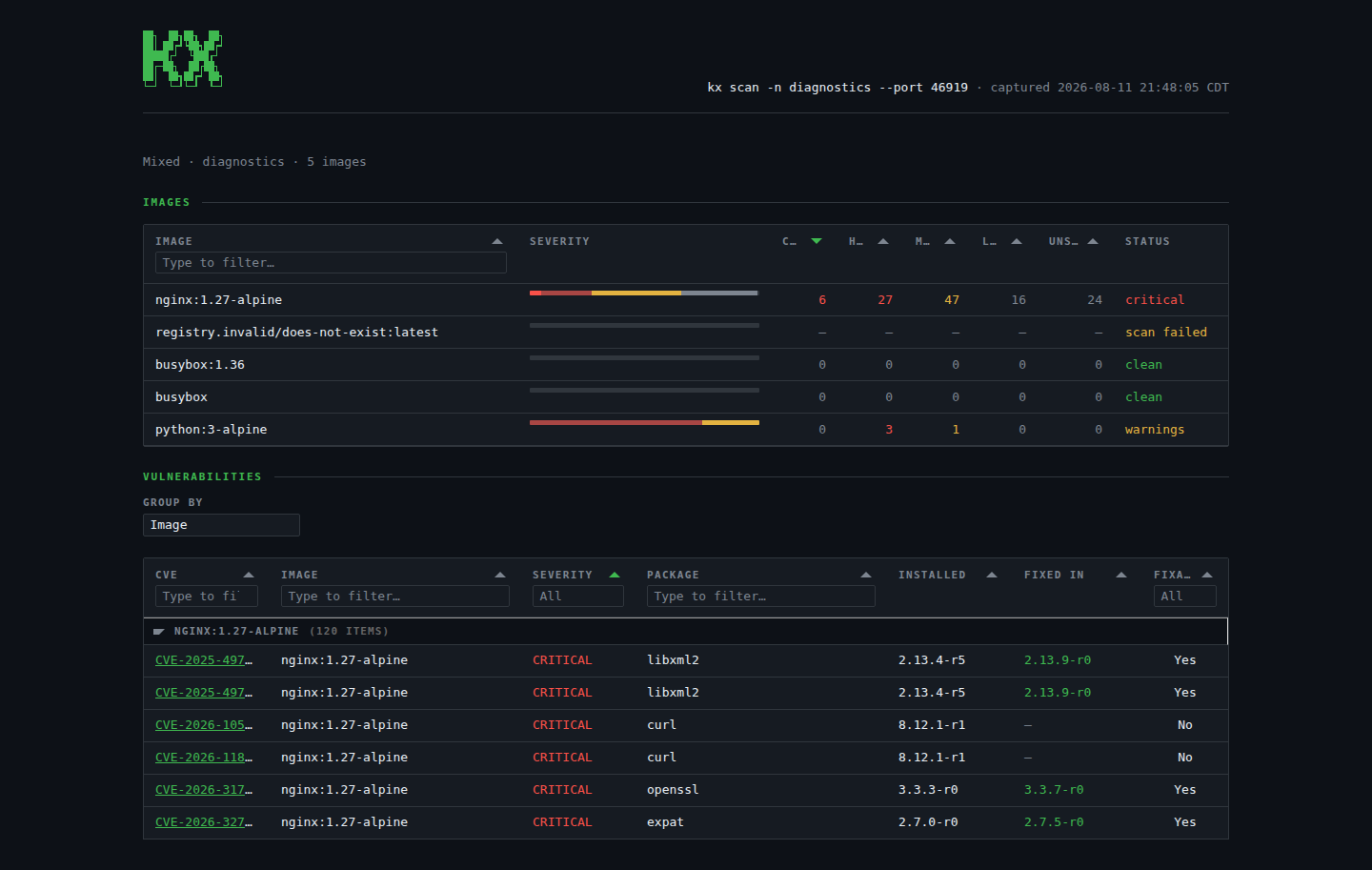
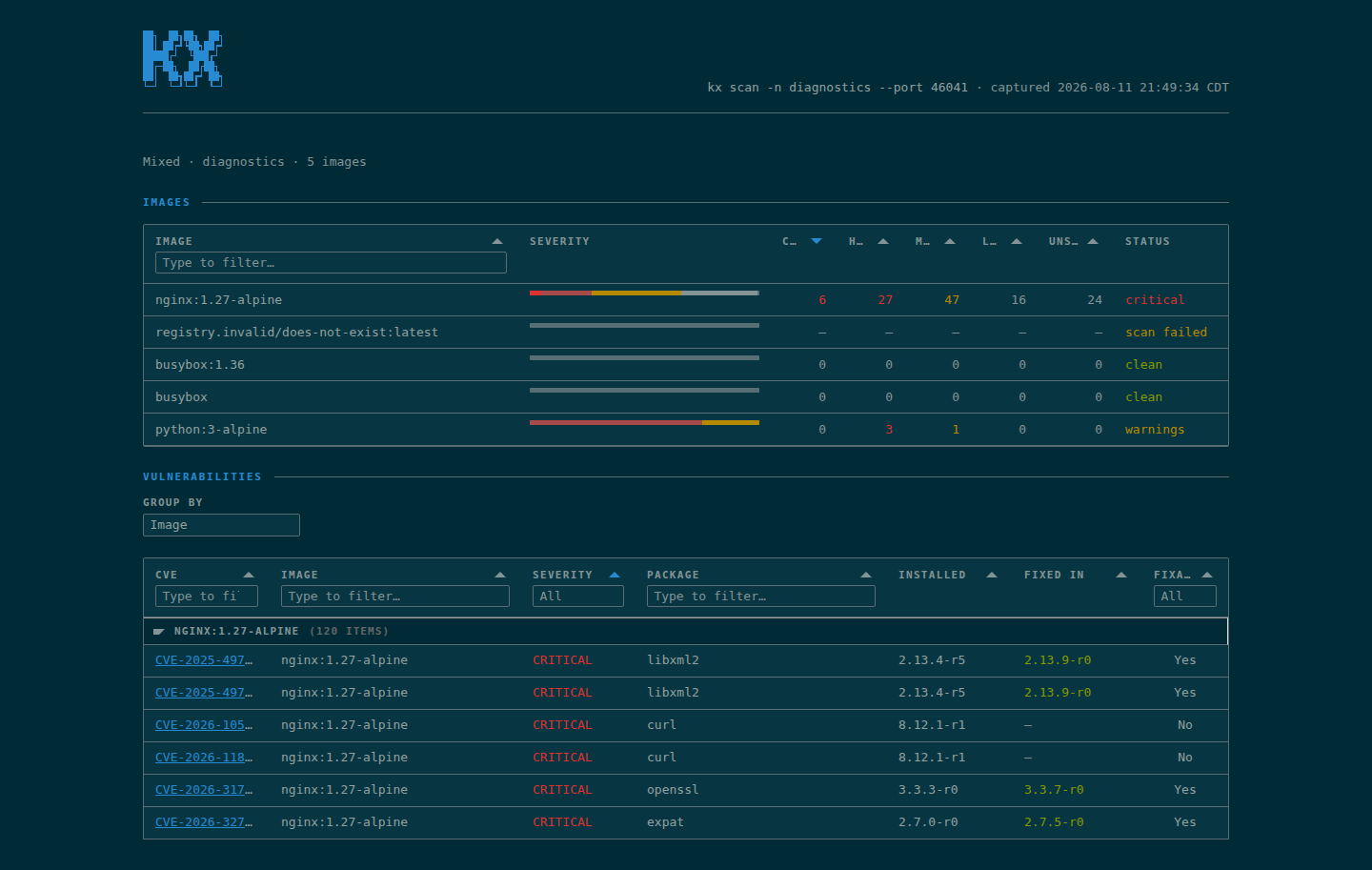
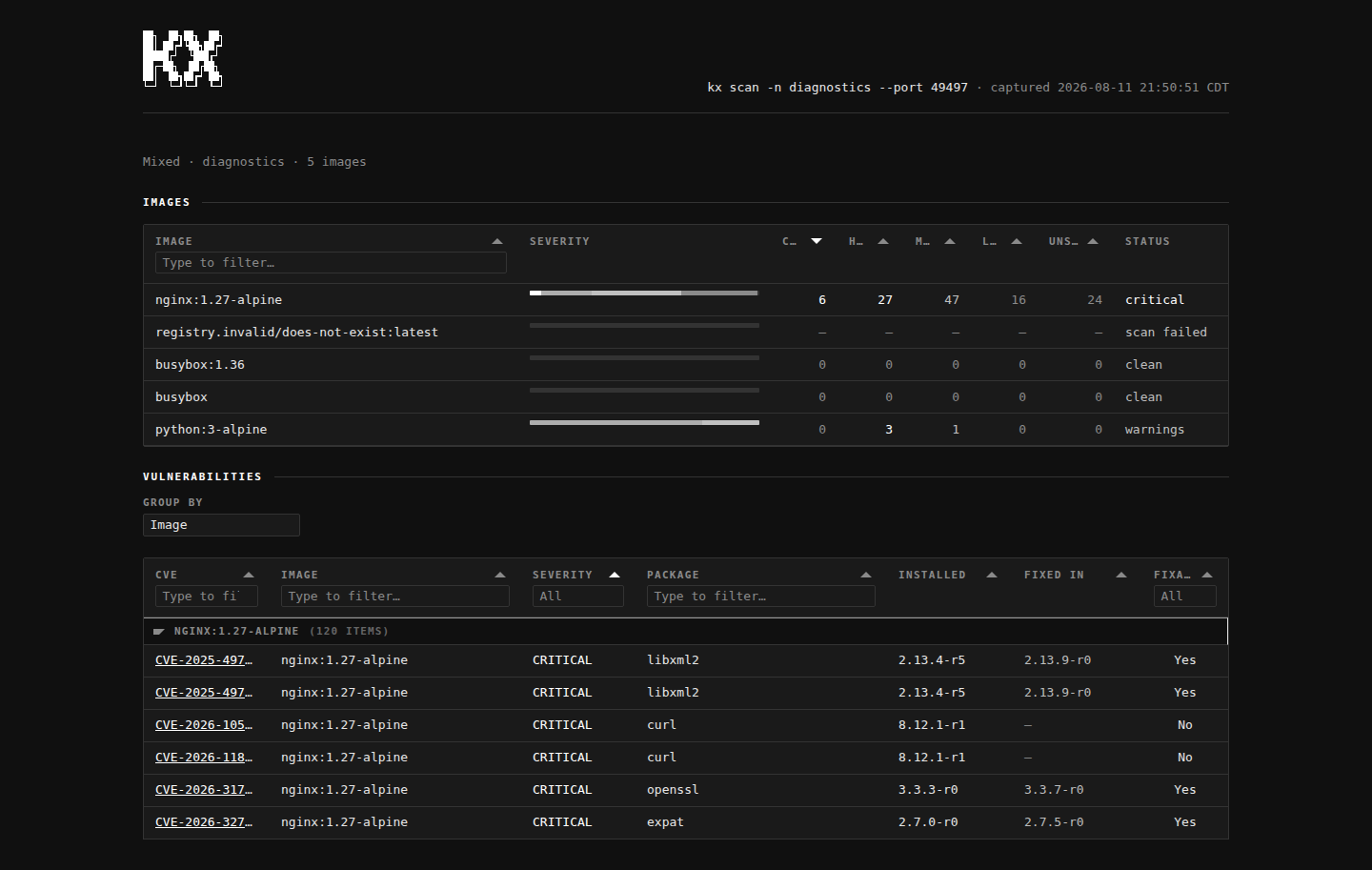
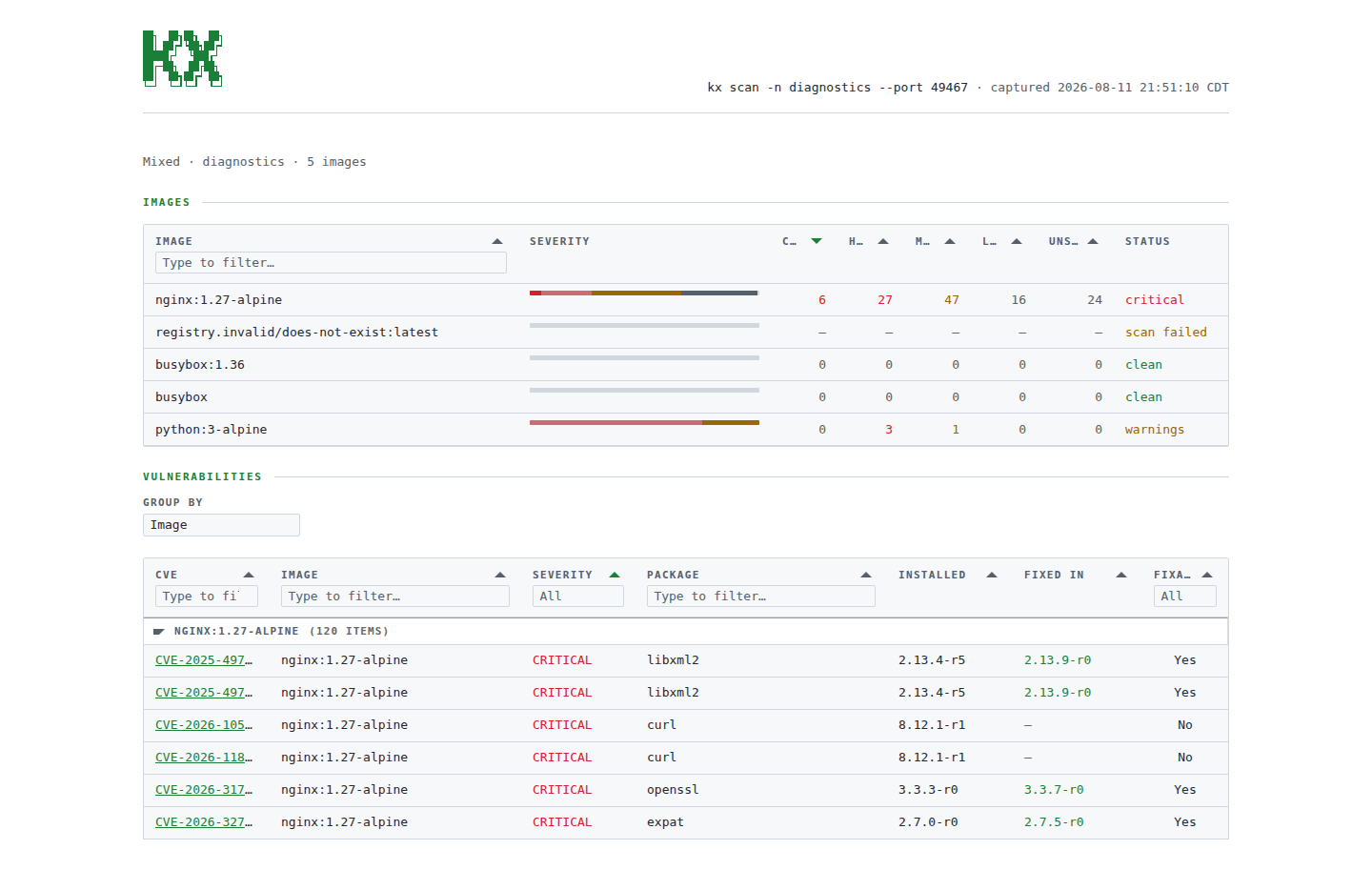
The default output is a severity summary table: one row per image, counts by severity.
The full report
kx scan 1 --fullstreams the scanner’s own output instead — the per-image CVE list, unabridged.
Because that is the scanner’s own formatting rather than something kx parses, --full cannot be combined with --json, --html or --fail-on; kx refuses those pairings rather than quietly dropping one side.
Patching what it finds
Once a scan names a fixed version, the kx set image command puts it in place on the same index:
kx scan 1                      # nginx:1.27.1 · 3 critical
kx set image 1 nginx:1.27.3    # nginx: nginx:1.27.1 → nginx:1.27.3
kx rollout status 1
kx scan 1                      # the new image, scanned again
A bare image sets the workload’s only container.
With more than one, init containers included, name the one to change — kx set image 1 api=api:v2 — and kx lists the names if you don’t.
The line it prints shows the image it replaced, which is what to type to put it back.
In a cluster managed by Argo CD or Flux, change the image in Git instead; a manual change there is reverted.
Engines
Scanning drives an external scanner, so its CLI must be installed.
| Engine | Flag | CLI |
|---|---|---|
| Docker Scout (default) | --engine scout | https://docs.docker.com/scout/ |
| Trivy | --engine trivy | https://trivy.dev/ |
| Grype | --engine grype | https://github.com/anchore/grype |
kx engine          # list engines and show the current default
kx engine trivy    # persist a new default
The default is stored in ~/.kx/config.toml; --engine overrides it for one run.
Wider than one namespace
kx scan -n prod
kx scan -A
kx scan -A -m payments   # only workloads called payments
The -m flag narrows the sweep by workload name before any image is resolved, so a workload it leaves out never costs a scan.
Images are scanned two at a time. The bound is memory rather than cores — a scanner unpacks an image and walks every package in it — so a wide sweep stays steady on a small machine instead of thrashing it. Rows come back in the order the images were resolved, whatever order the scans finish in.
As a check
kx scan -n prod --json
kx scan -n prod --fail-on high
The --json flag prints the severity counts and every finding as a document, and --fail-on exits 2 when any image carries a vulnerability at that severity or worse.
See using kx in CI.
In a browser
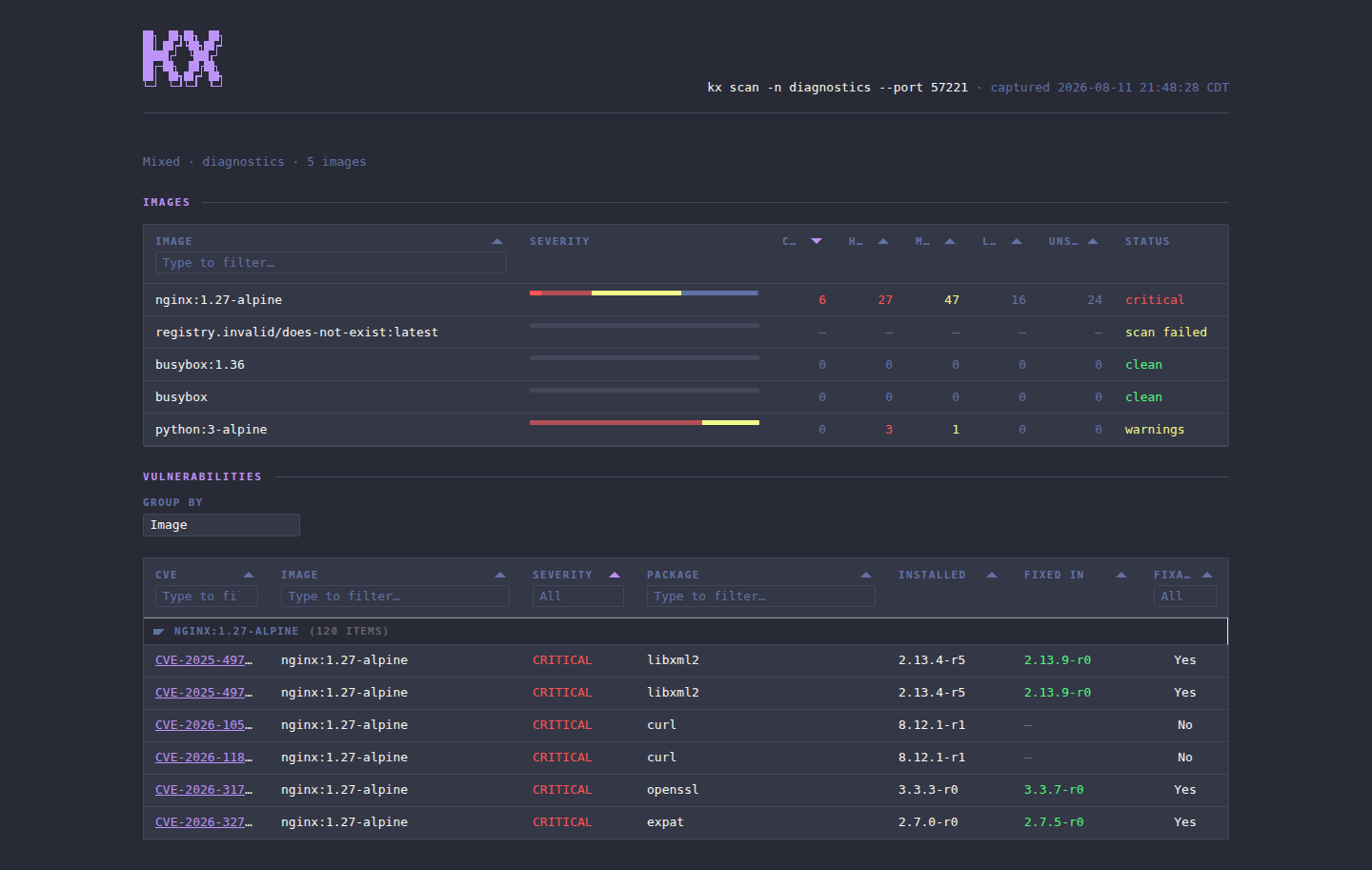
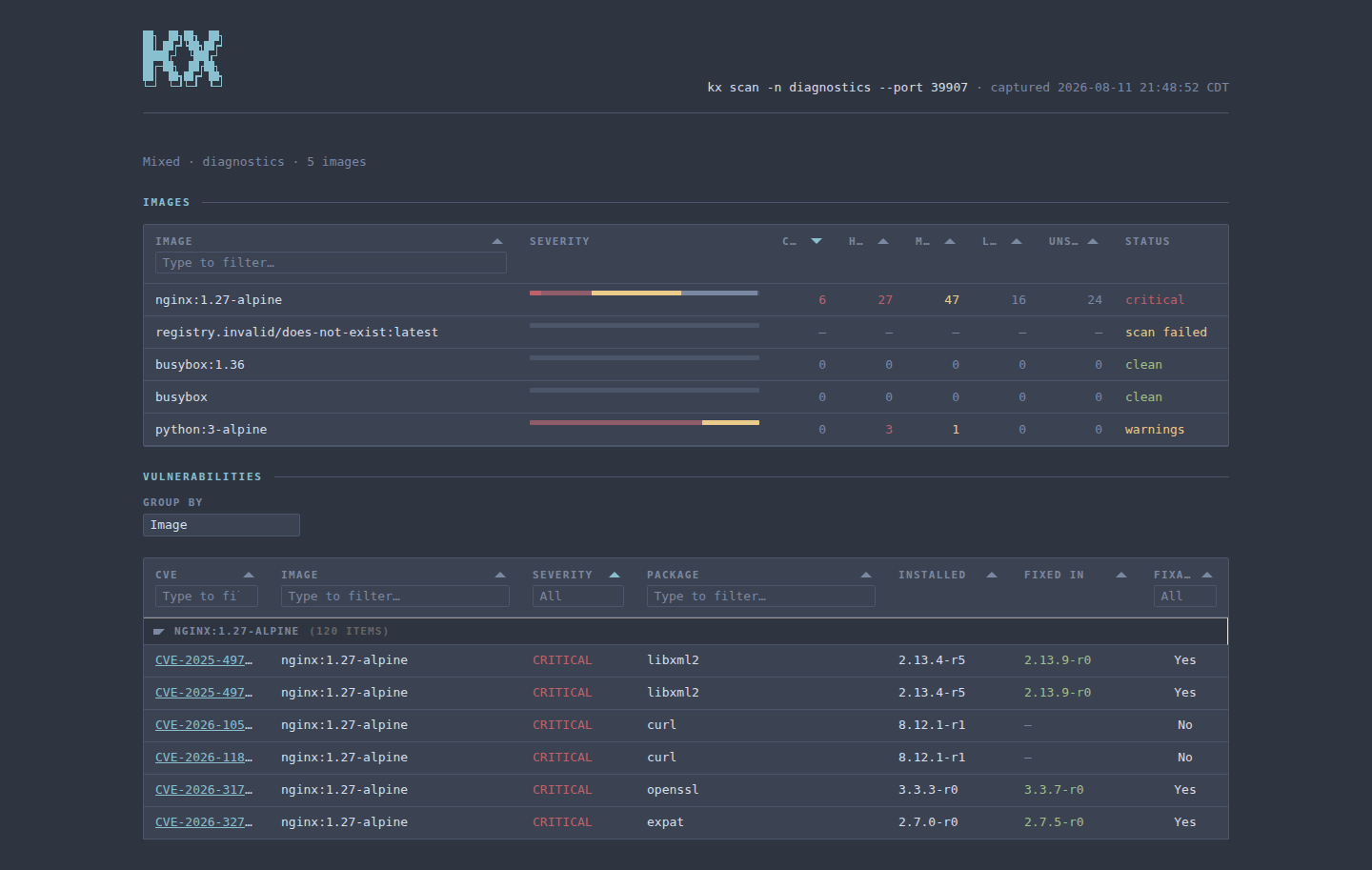
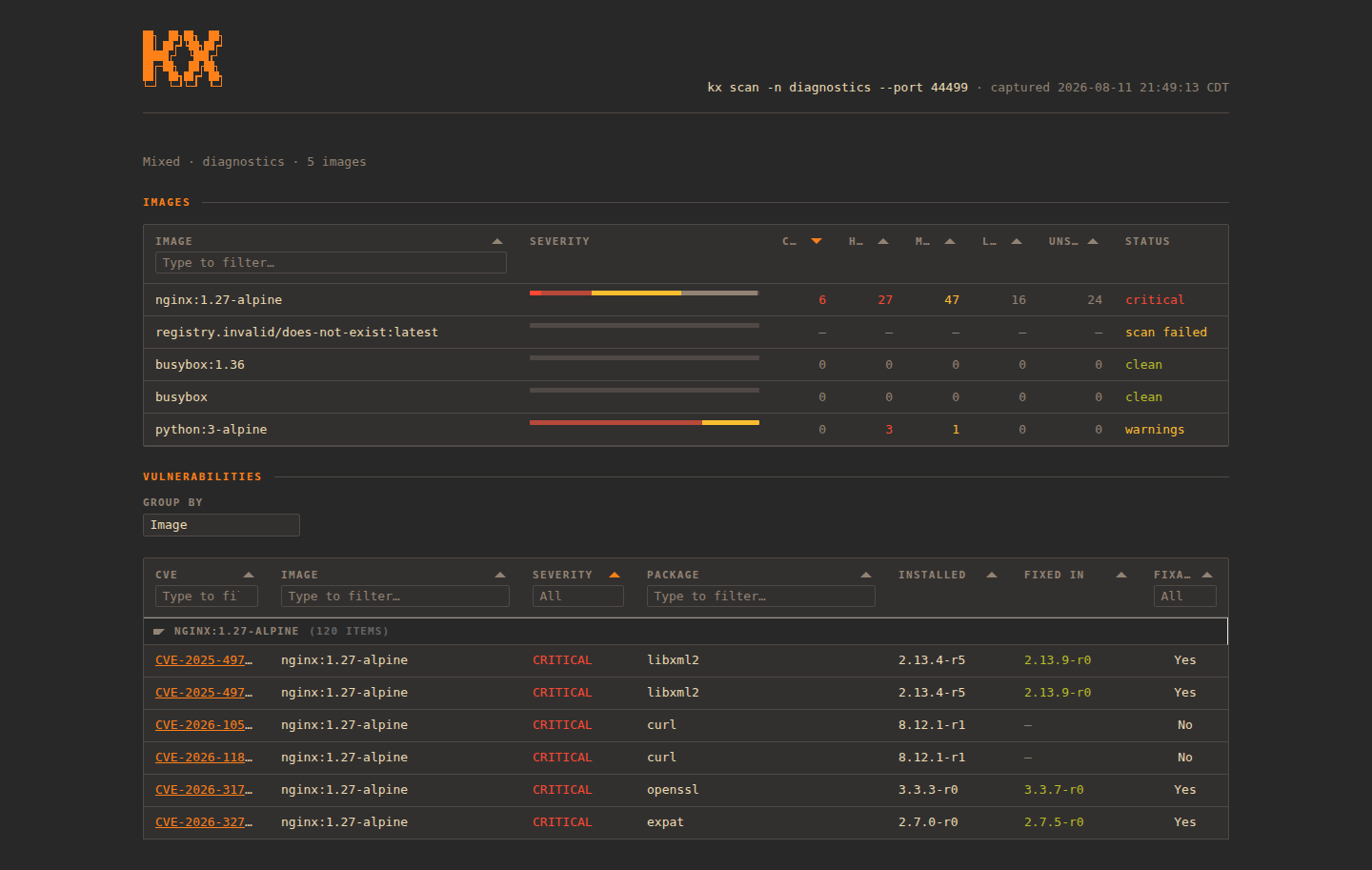
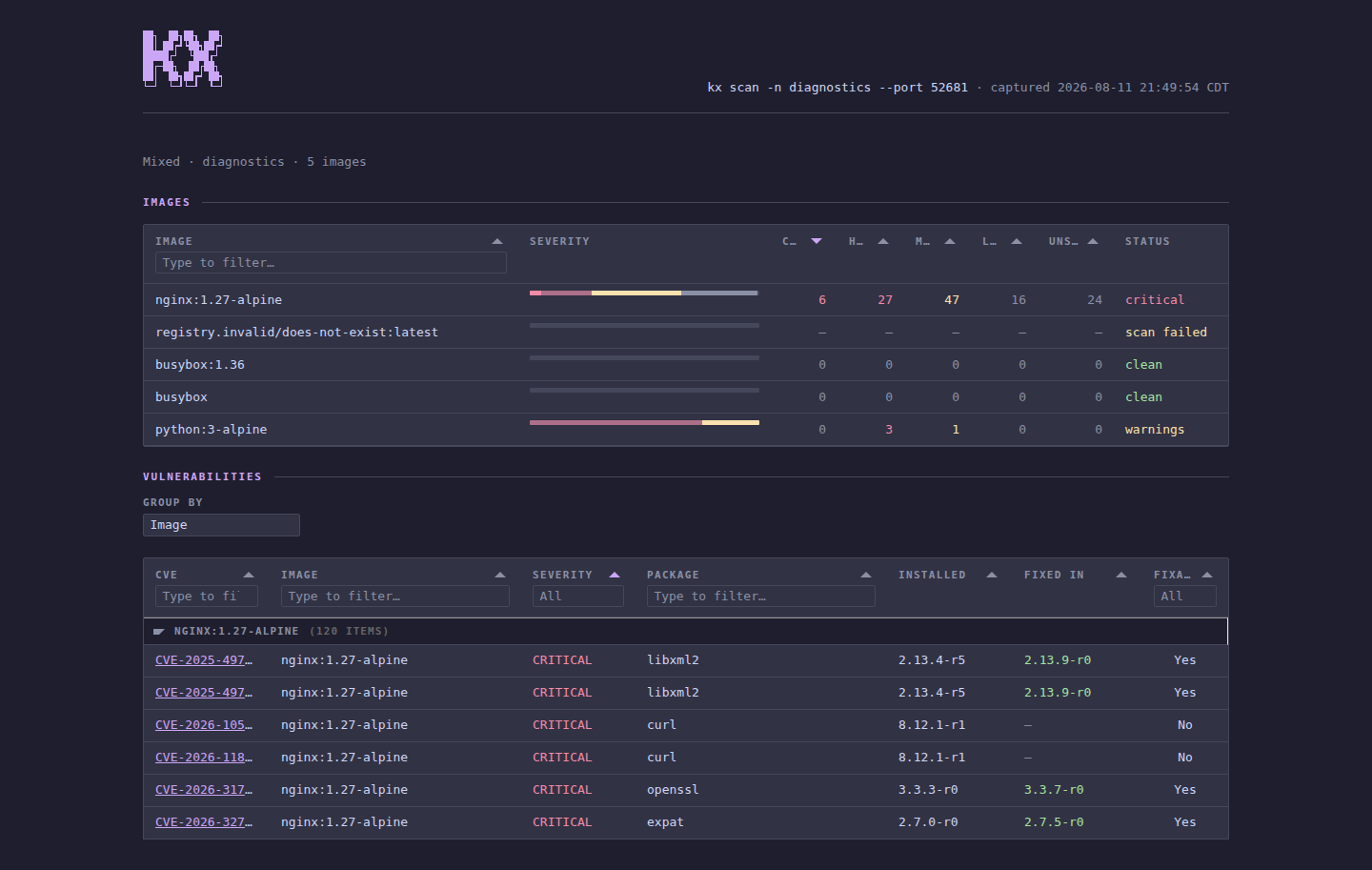
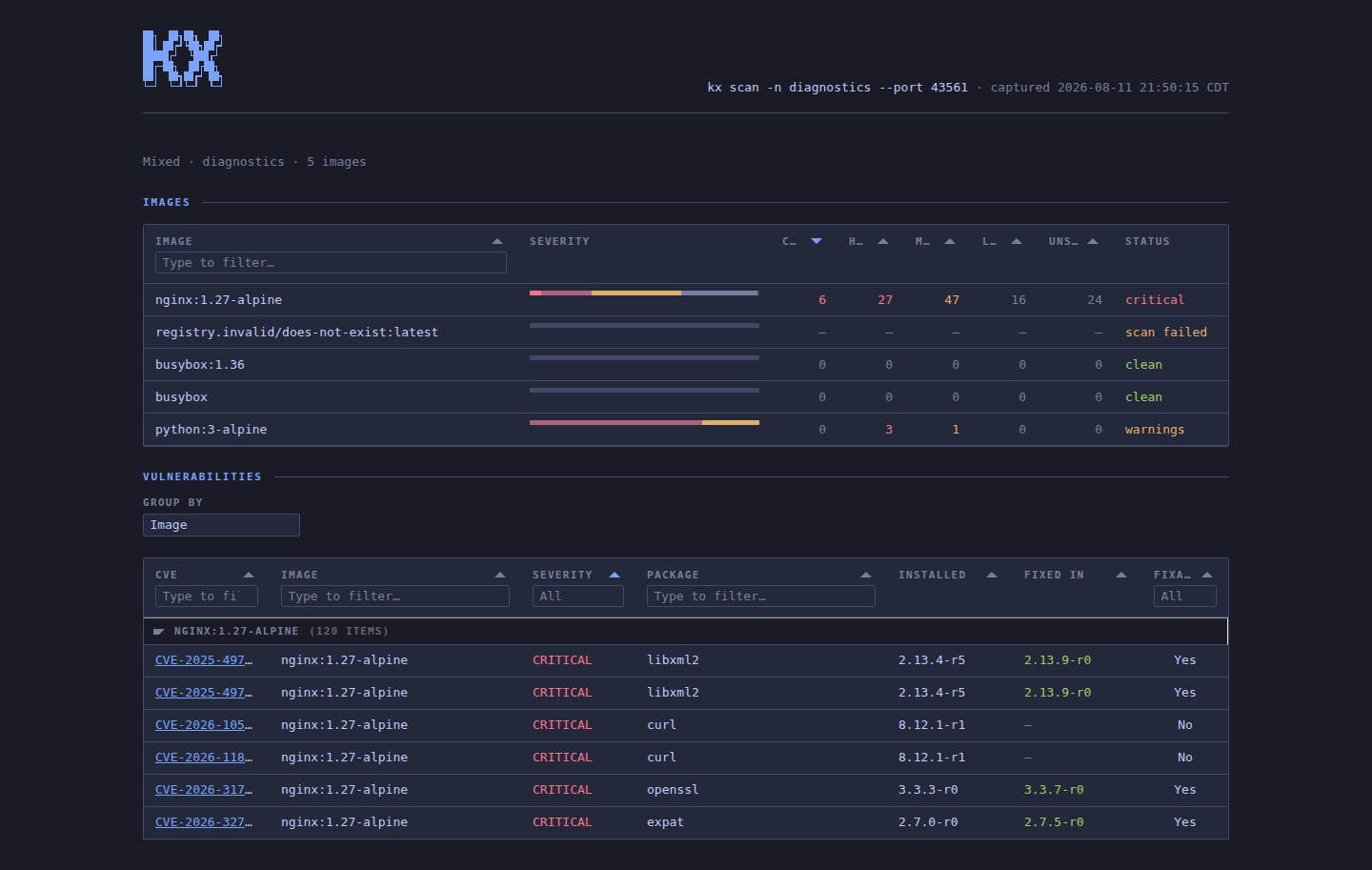
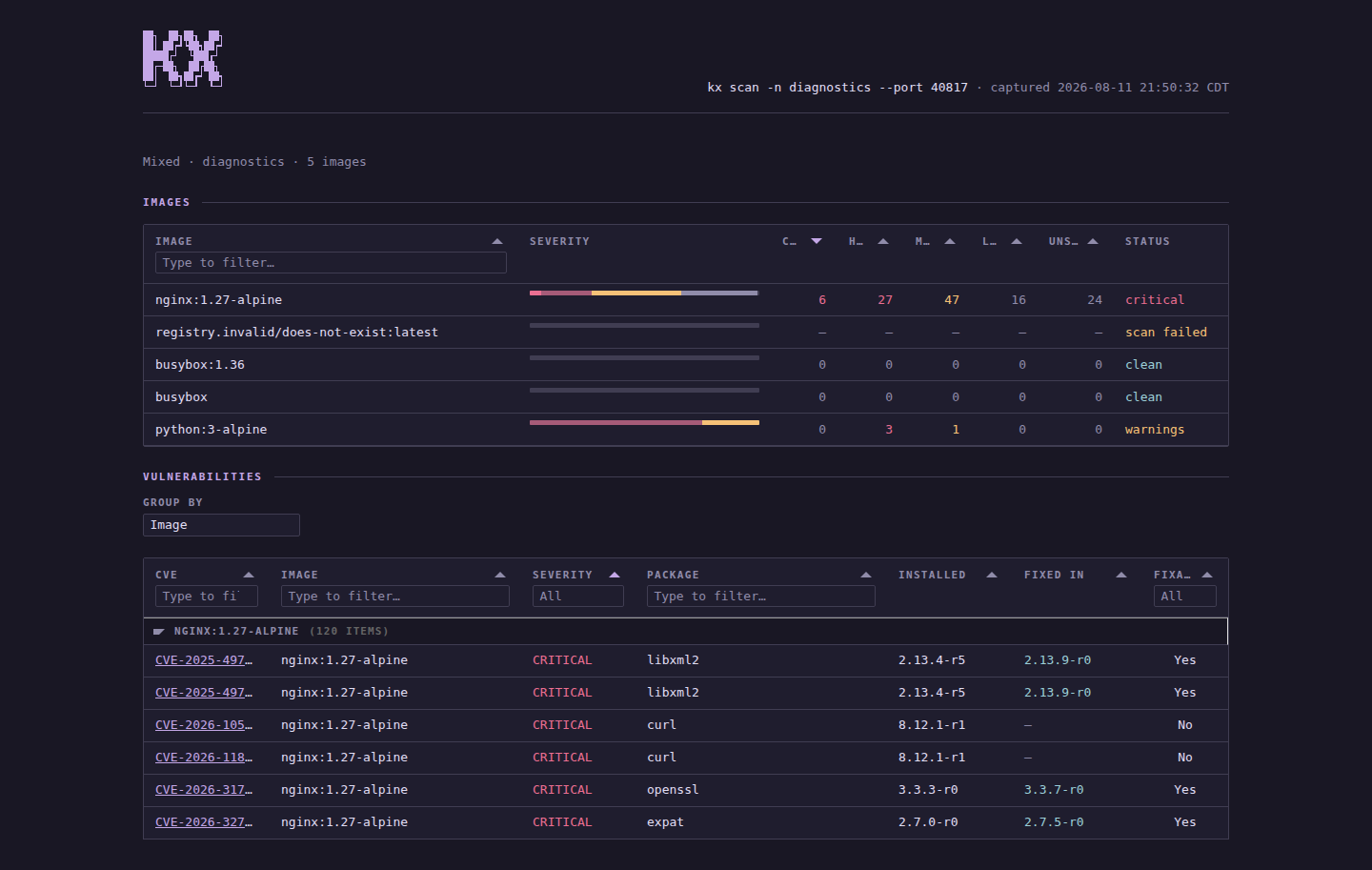
kx scan --htmlPer-image severity counts up top, and a CVE table below grouped by image, each row expanding into its full detail — which is more than the terminal summary has room for, and costs no extra scanner run: the data was already gathered to build the table.