See what owns what
Ownership is not in kubectl’s table output.
A Deployment owns a ReplicaSet owns Pods, and finding that chain by hand means reading metadata.ownerReferences out of JSON.
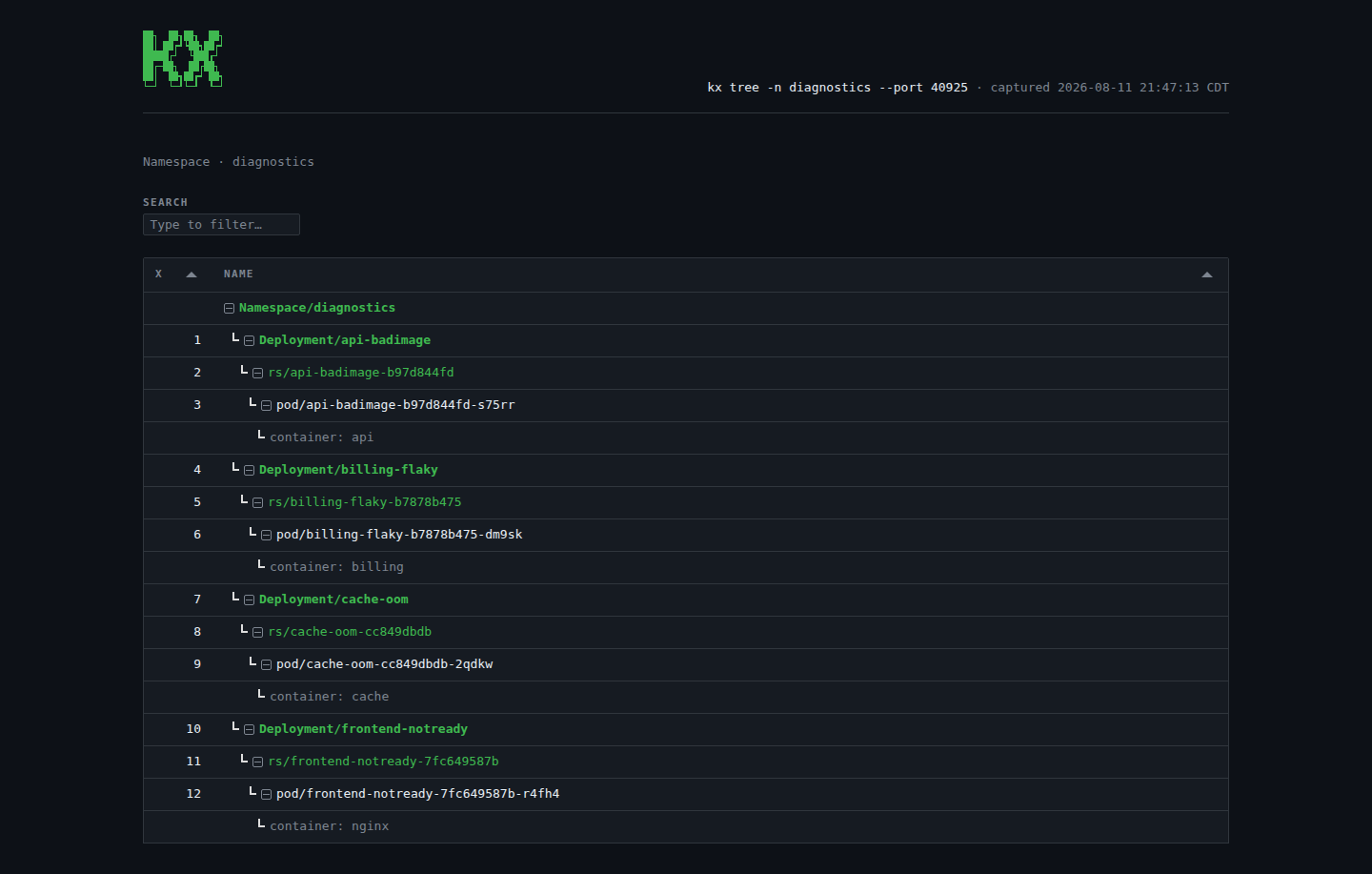
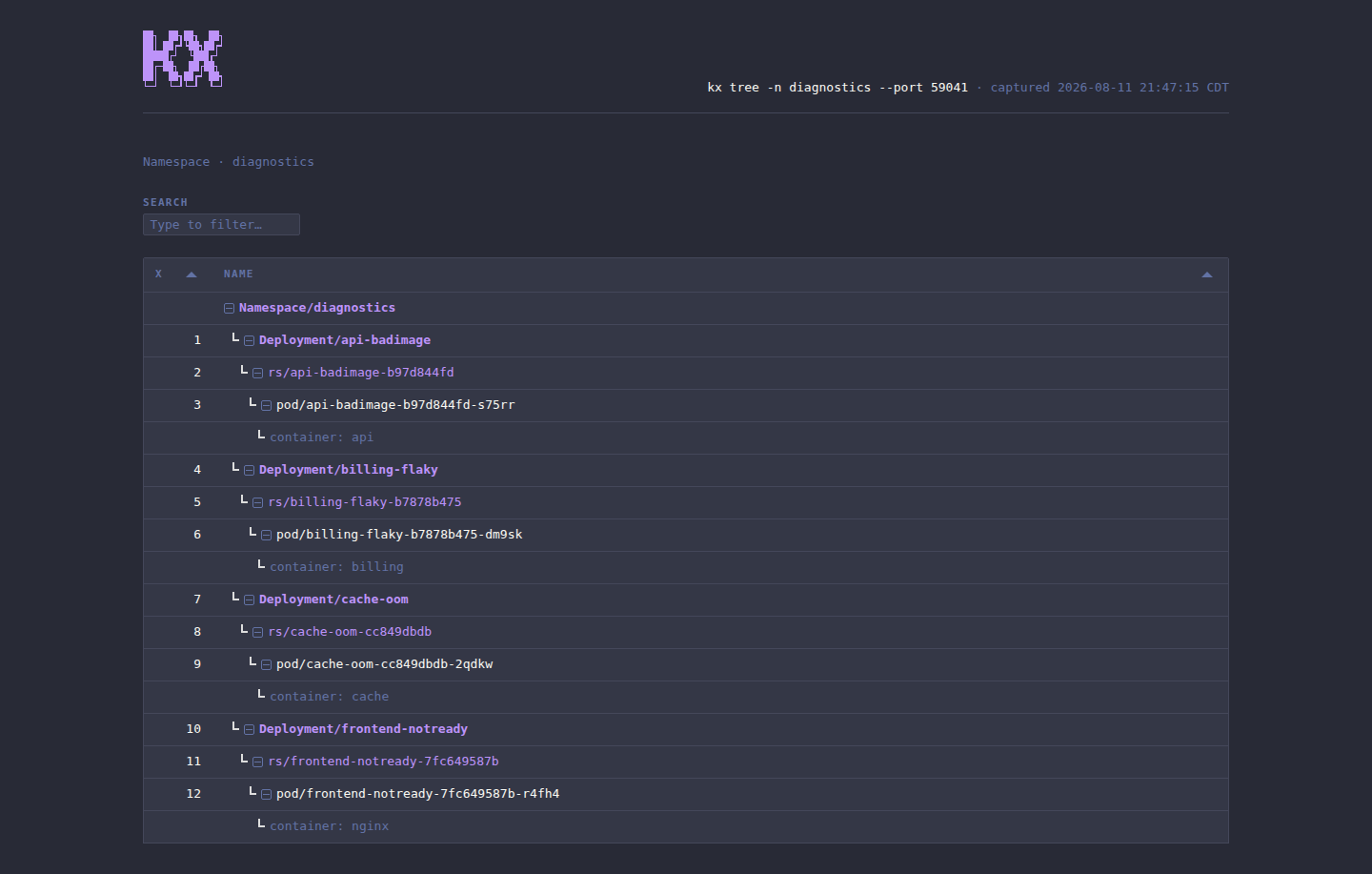
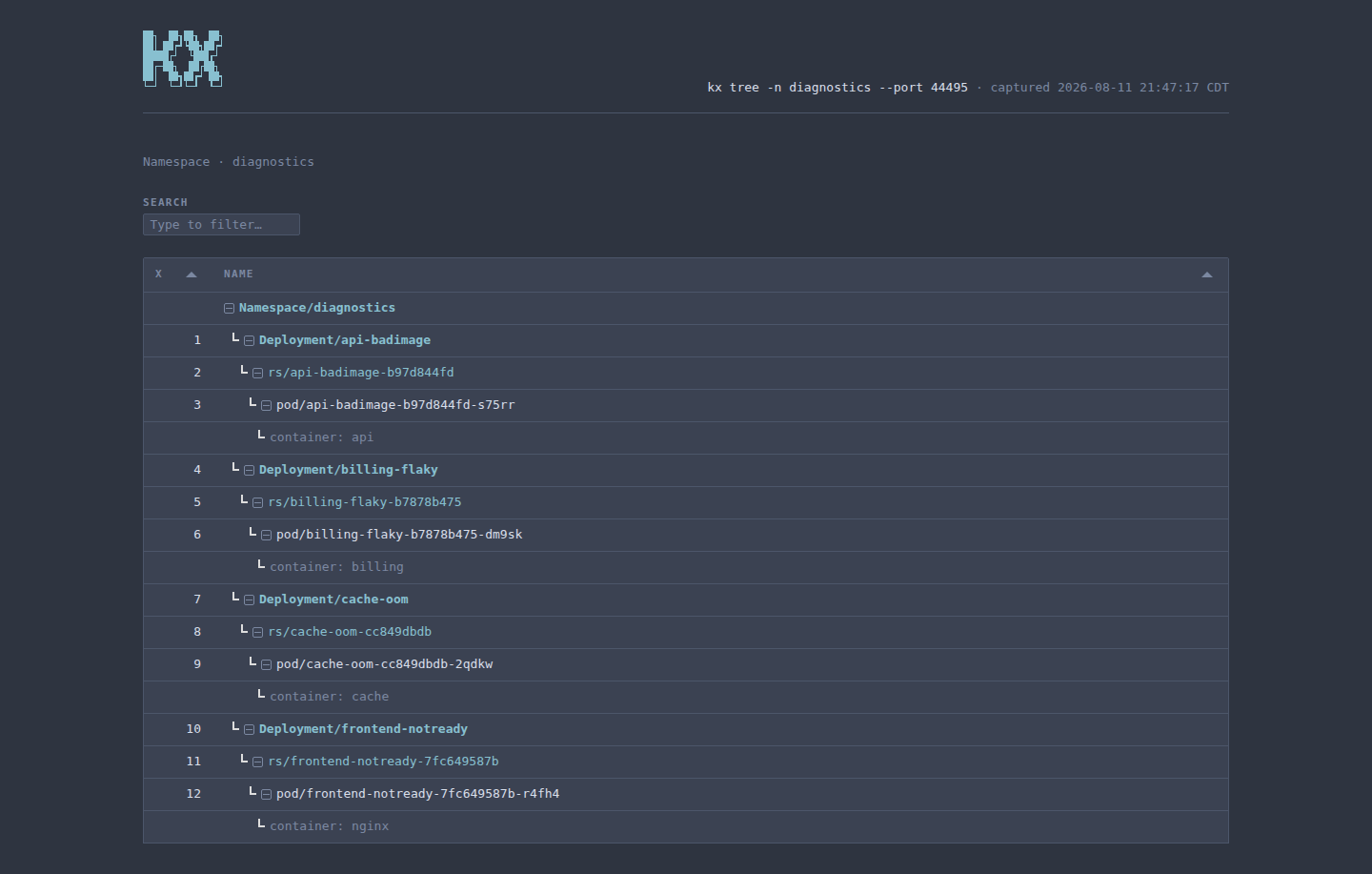
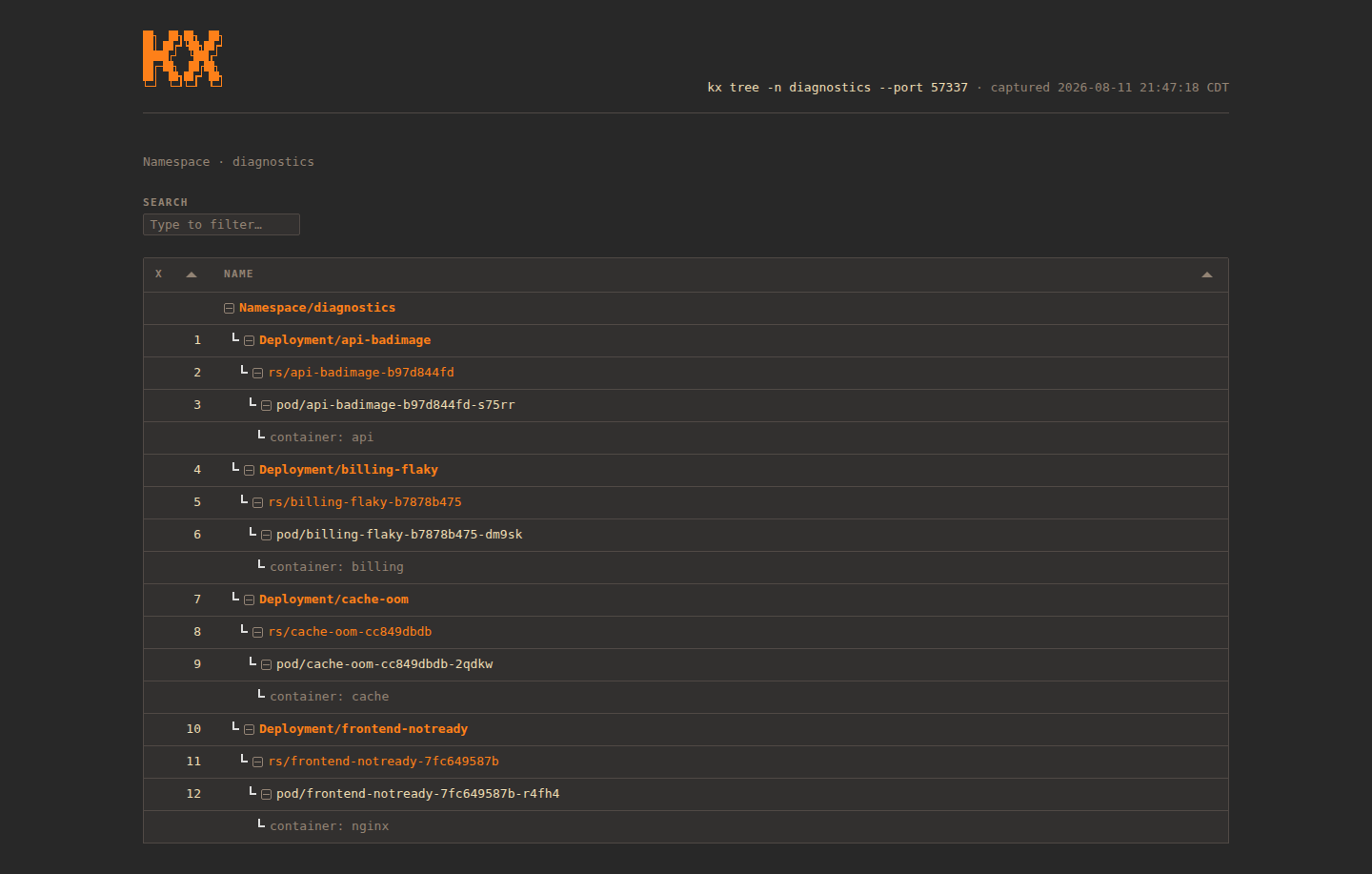
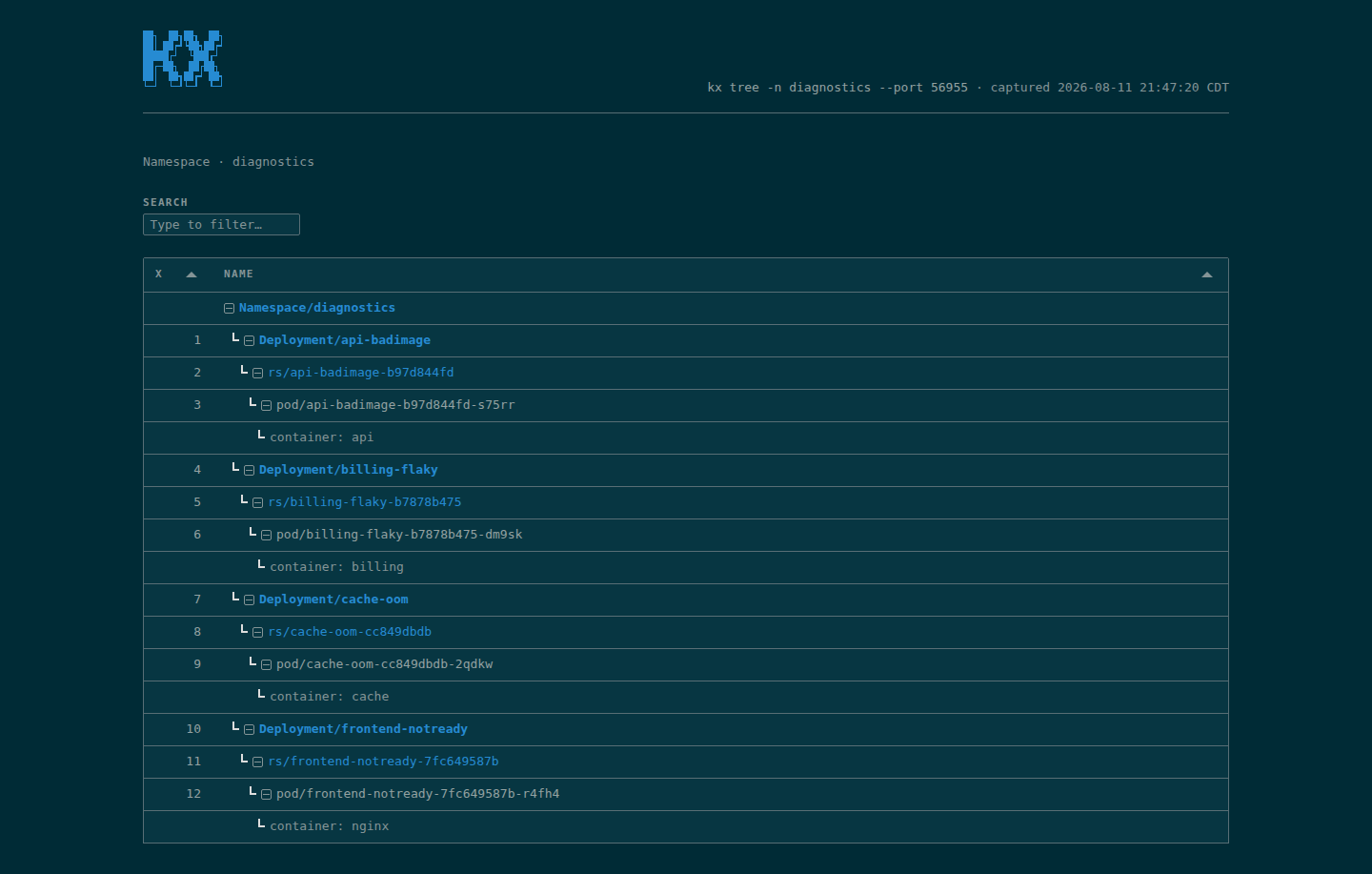
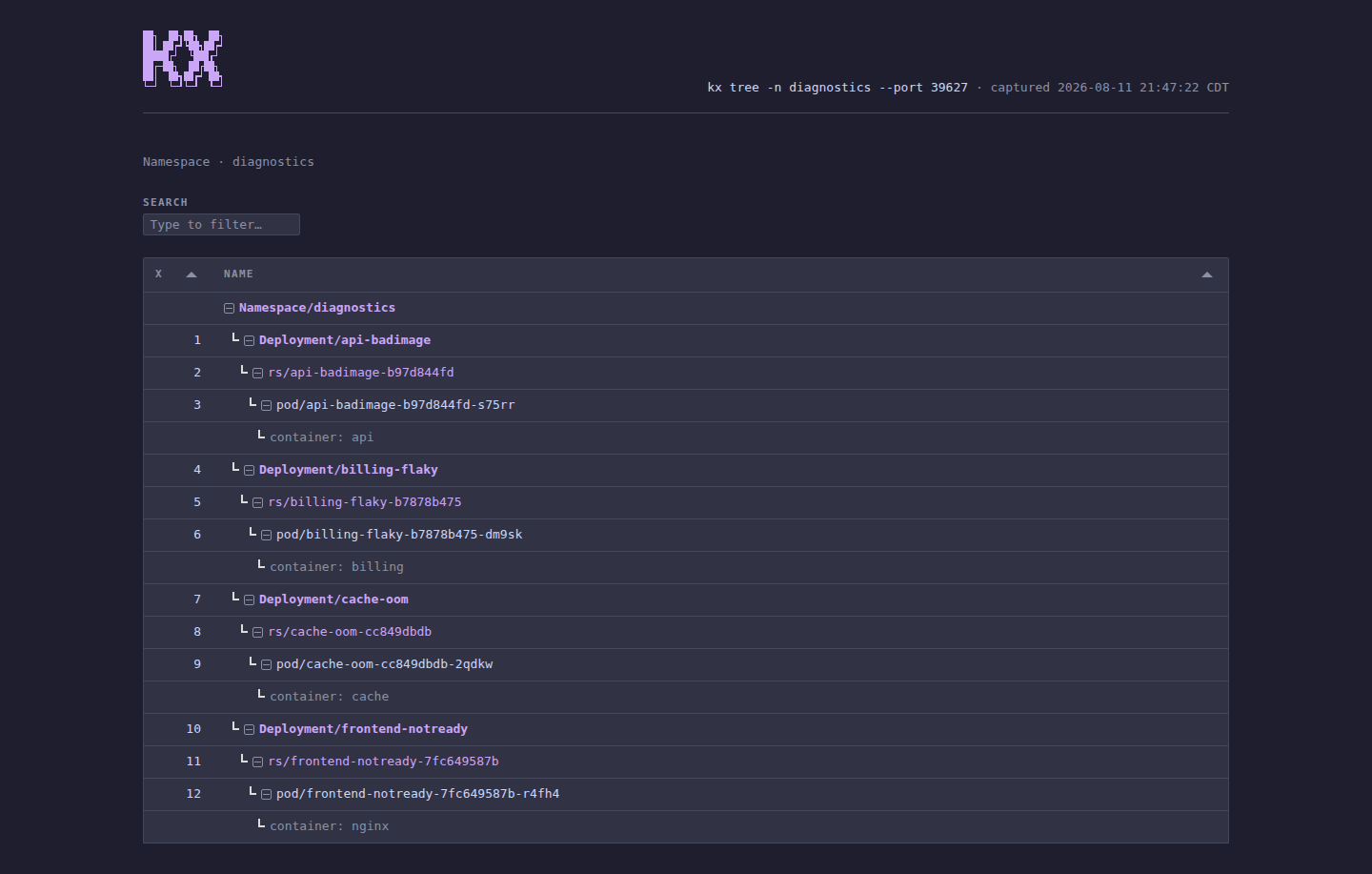
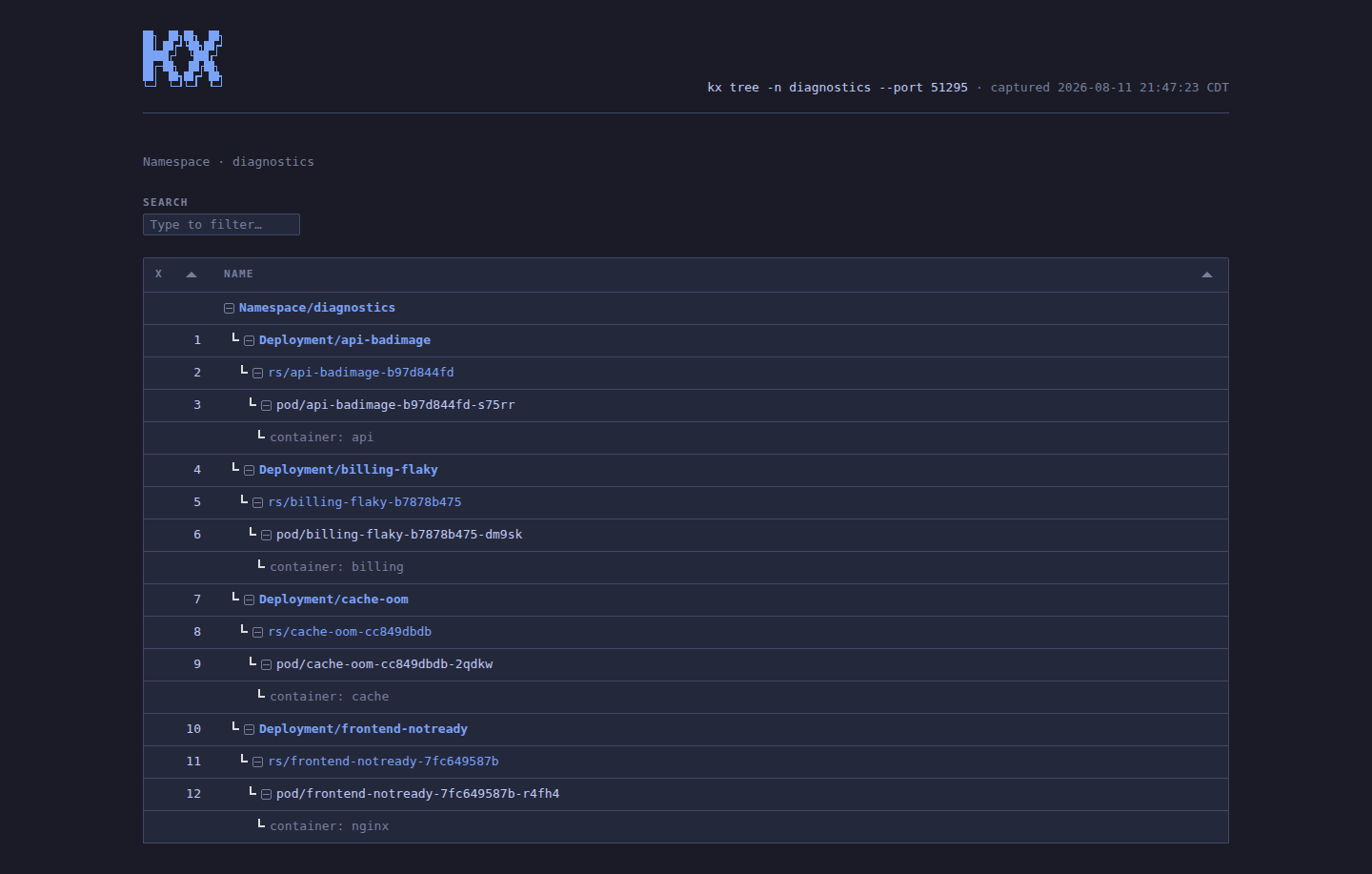
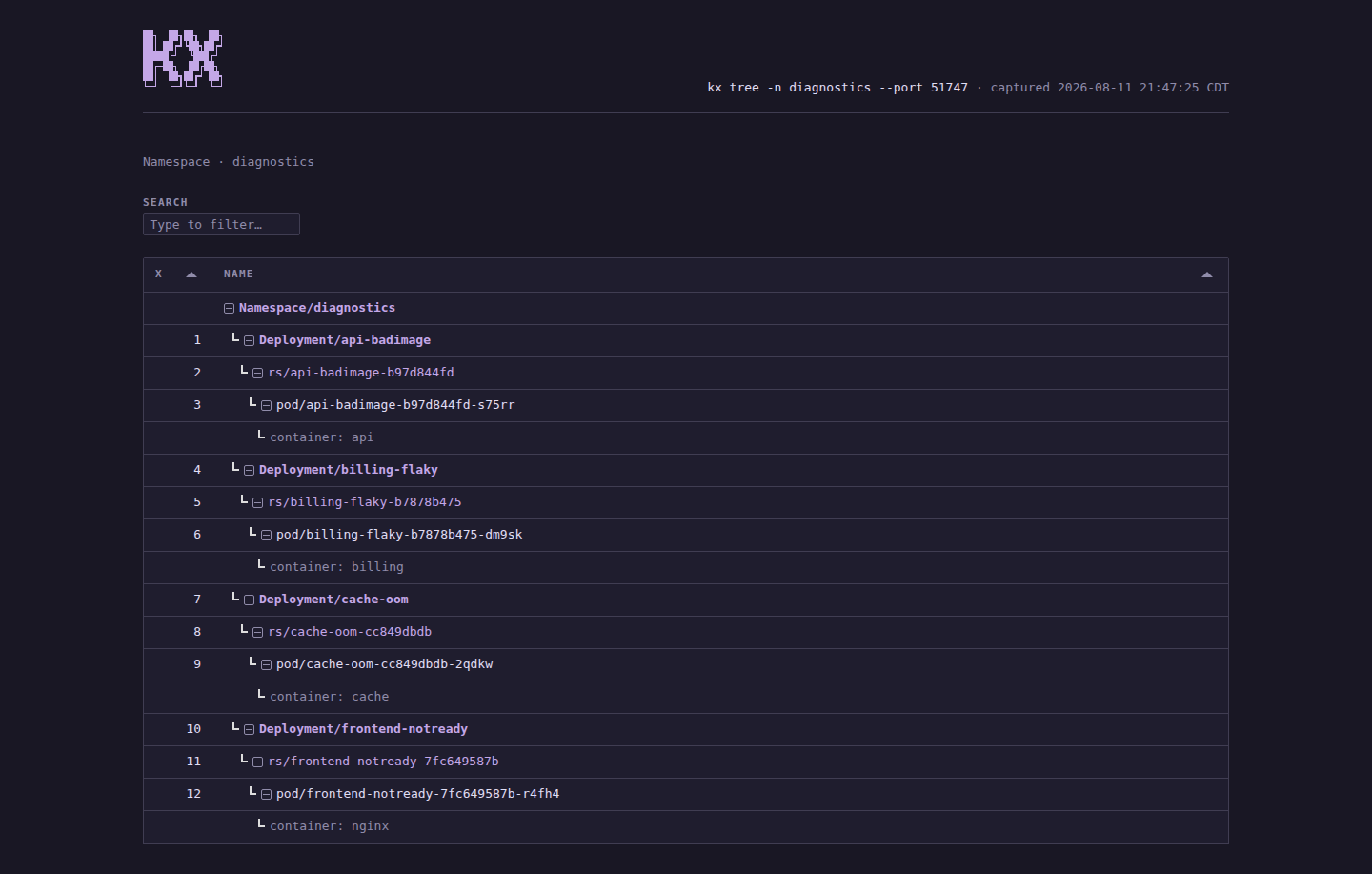
kx treegraphs every workload in the current namespace, from controllers down to containers.
Given an index, kx tree graphs one.
kx tree 1
kx tree -n prod
kx tree -A         # every namespace, as a forest
kx tree -A -m api  # only the workloads called api
The -m flag keeps the top-level workloads whose name matches, each with everything it owns, and with -A it leaves out the namespaces with none.
A Namespace index graphs that namespace — so kx get ns then kx tree 3 works.
The nodes are indexed too
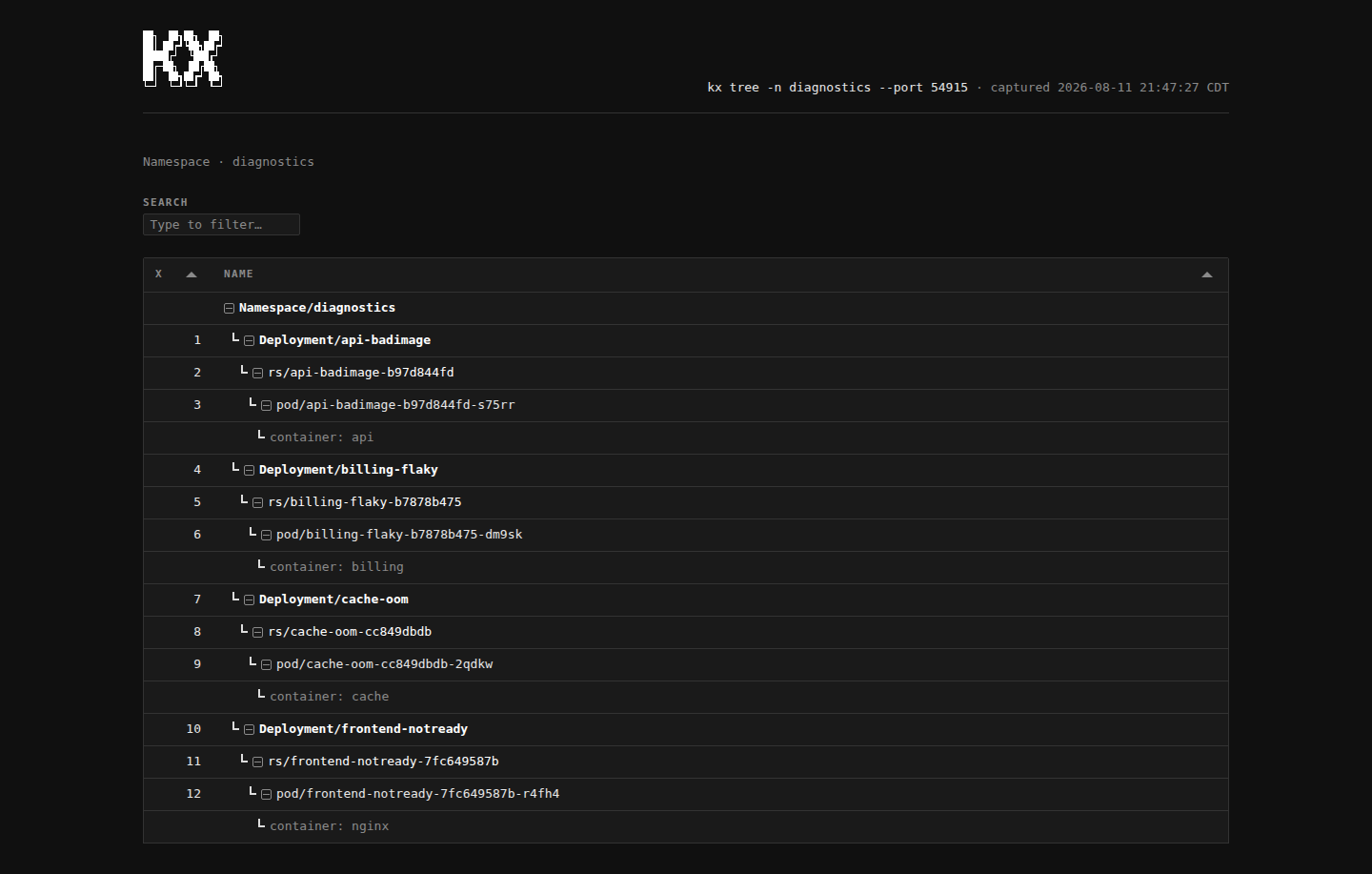
By default kx tree numbers the nodes it draws and saves them as the current listing, so the tree is a way to select things and not only to look at them:
kx tree          # 1  api (Deployment)
                 # 2   └─ api-7d8f (ReplicaSet)
                 # 3       └─ api-7d8f-p4k2 (Pod)
kx logs 3
With -A, nodes are indexed continuously across the whole forest.
The --no-index flag skips the numbering and leaves your existing listing alone — useful when you want to look at the structure without losing the indexes you were working with.
In a browser
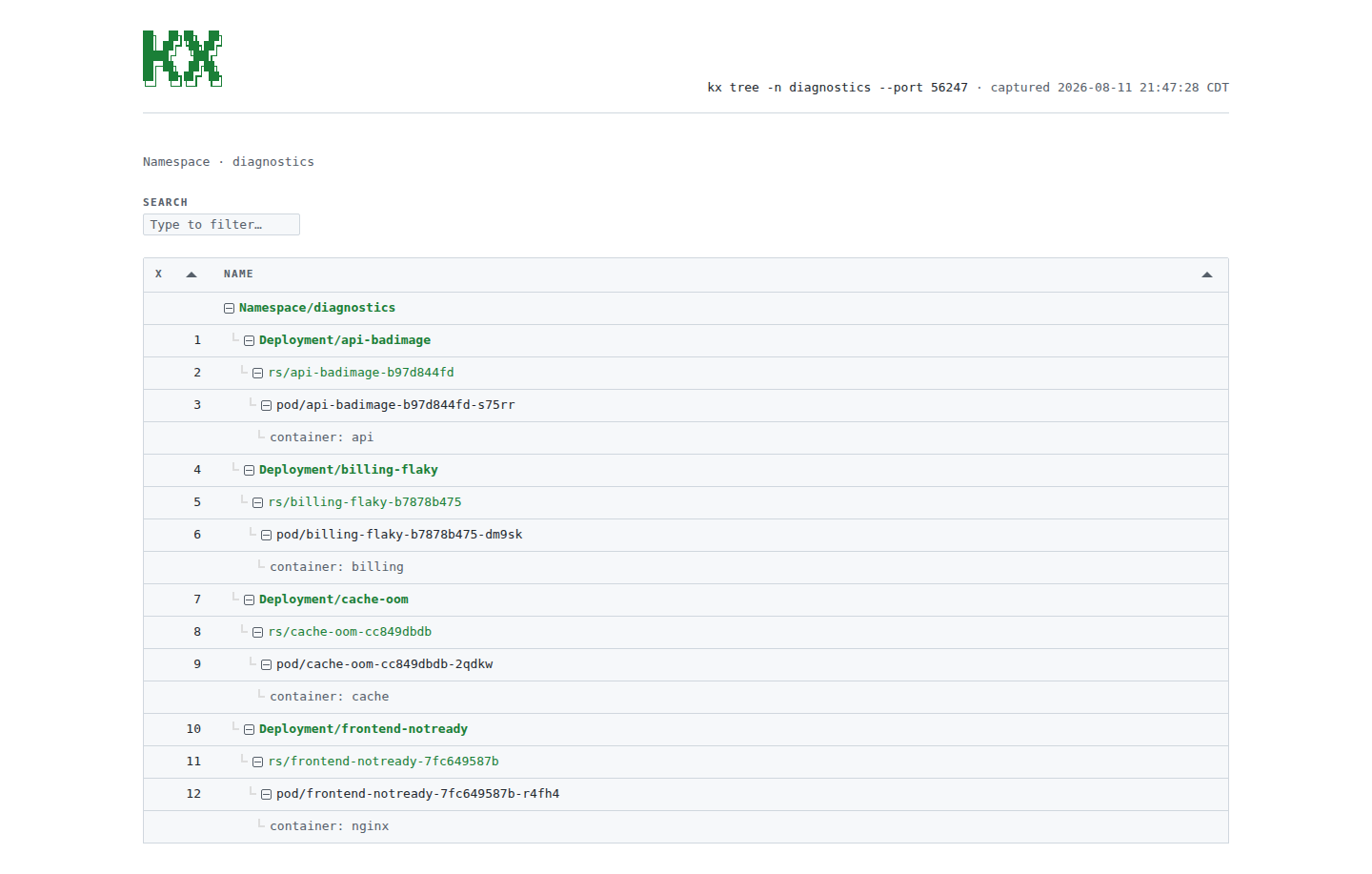
kx tree --htmlrenders the graph as a collapsible tree, indexed like the terminal version.